
Skip to content
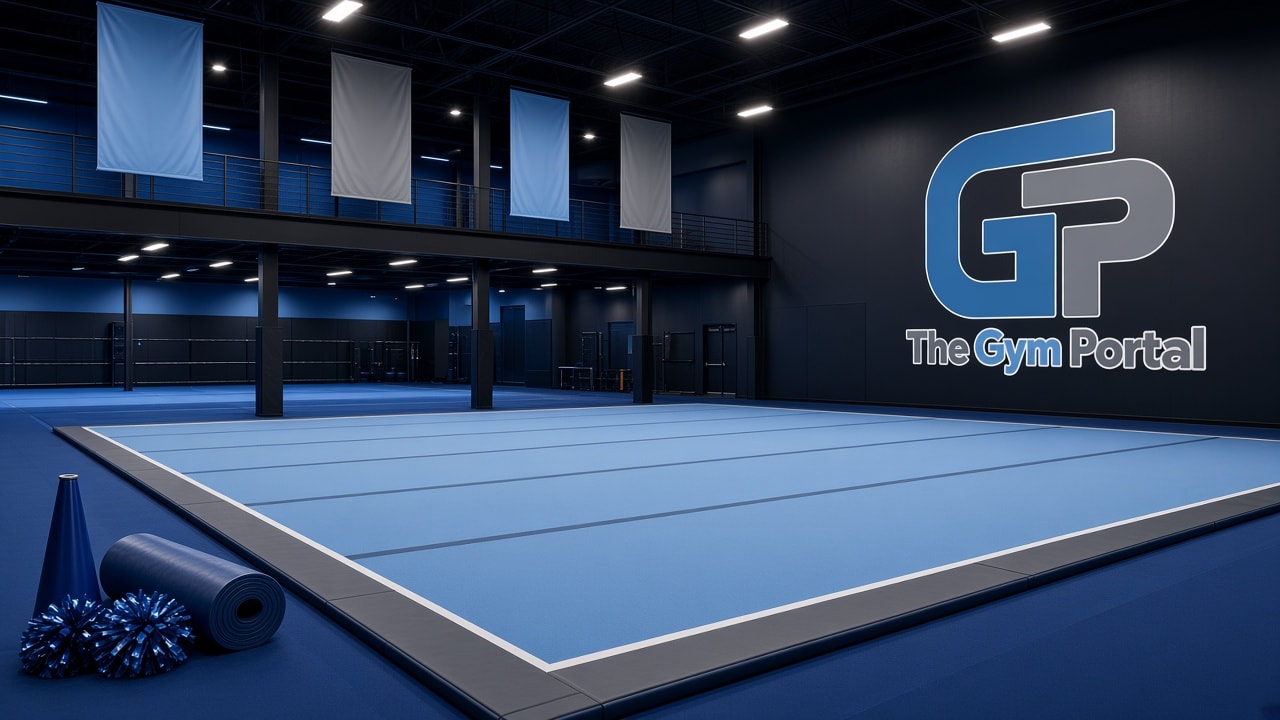
Cheer gym with the stacked Gym Portal GP lockup on the wall, sky-blue floor, and championship banners

Staff software for cheer gyms

Attendance, staff communication, and training in one branded portal

Bring roll call, staff messages, and training resources into one gym login with your colors and logo — not a pile of chats and sheets.

  • Team attendance
  • Staff messages
  • Training library
  • Your gym colors

Setup starts by email. We open the gym account. This page does not sign you up instantly. Monthly per gym — no per-athlete fee.

Your gym. Your colors. Your logo on the wall.

Your gym, your look

Each gym’s portal uses that gym’s logo and colors

Staff sign in on a portal branded for their gym, not a shared demo look. Coaches only see their gym’s files.

  • Header stripes use the gym’s primary and secondary colors.
  • Staff tools, favorites, and buttons follow the same palette.
  • The Gym Portal mark stays on this marketing site and Customer login.
Gym floor branded with the stacked Gym Portal GP lockup, sky-blue mats, pom-poms, and a megaphone
A gym running The Gym Portal look

What it does

Four jobs. One gym login.

Attendance, training resources, staff communication, and running the gym. We turn tools on when we set up your account. Athlete CRM, family billing, and waivers are not in this product yet.

Attendance

Take roll from a phone. Athletes with an email on the roster get a note when you save.

  • Team attendance

    Name a team, load the roster from a spreadsheet or by hand, and take roll. Each athlete with an email on the roster gets a present or absent note when you save, and absences add up on the team.

  • Roster upload

    Paste names, phones, and emails, or upload CSV, Excel, or a Google Sheet. The portal maps the columns for you.

Training resources

Videos and mixes stay with the team, not in a chat thread.

  • Training videos

    Keep practice clips and full routines in one staff-only library, tagged by team so coaches can find the right set.

  • Music at practice

    Store team mixes and play them from a phone on the floor. No hunting through group chats.

Staff communication

Tests, onboarding documents, and messages live in one gym login.

  • Tests and onboarding documents

    Post coach tests, collect scores, and keep paperwork in the portal instead of a shared drive nobody opens.

  • Staff messages

    Leadership can send notes to the staff. Coaches write back from the same thread.

Running the gym

Ops tools stay in your account, with your colors and logo.

  • Day-to-day ops

    Announcements, a shared staff calendar, coverage, checklists, practice plans, maintenance, and incident reports stay in the gym account.

  • Your gym, your look

    Each gym gets its own colors, logo, and login. Staff never see another gym’s files.

Attendance

Take roll. Athletes with an email get a note when you save.

Upload a roster, mark present or absent, and the portal emails each athlete with an address on file. Absences count on the team so you are not reconstructing the season from paper.

  • Sends from your gym name via noreply@thegymportal.com
  • Replies go to gym leadership, not a shared inbox
  • CSV, Excel, or Google Sheets — or type names in

A typical practice

What coaches actually open on their phone

  1. 1Open Team Attendance and pick tonight’s team.
  2. 2Mark the roster. Hit save. Emails go out.
  3. 3Pull up the routine video or mix if you need it.
  4. 4Leadership already has the absence count.

How a gym gets on

Email first. We set up the gym. Then owners and coaches sign in the way this product is built.

Step 1

Email us the gym

Tell us the gym name and which plan you want. There is no instant signup on this site. We open the account.

Step 2

Leadership signs in

Gym owners use Customer login. Coaches request access on that gym’s private staff portal link. You approve them first.

Step 3

Run the floor

Take attendance, post videos, send messages, and keep onboarding documents in one place.

Pricing

One gym. One monthly bill.

You pay for the gym account, not each athlete. Pick a plan and email us — we open the gym. There is no instant self-serve signup. Cancel anytime from gym settings.

Starter

$79/ month

Staff tools for one gym floor.

  • Up to 15 staff logins
  • One location
  • Team attendance and roster upload
  • Videos, music, tests, and onboarding documents
  • Staff messages and announcements
Email us about Starter

Team

Team plan

$149/ month

More coaches and more than one location.

  • Up to 40 staff logins
  • Up to 8 locations
  • Team attendance and roster upload
  • Videos, music, tests, and onboarding documents
  • Staff messages and announcements
Email us about Team

Studio

$249/ month

Highest staff cap, with no location limit.

  • Up to 100 staff logins
  • Every location
  • Team attendance and roster upload
  • Videos, music, tests, and onboarding documents
  • Staff messages and announcements
Email us about Studio

Each plan button opens an email to dan@thegymportal.com with that plan in the subject. Need more than 100 staff? Write dan@thegymportal.com.

Questions gyms ask

How do we get a gym set up?

Email dan@thegymportal.com with the gym name and the plan you want. We open the portal and send Customer login. This website does not create a gym on its own.

Who signs in where?

Gym owners use Customer login on this site. Coaches use the staff portal link created for your gym (it looks like thegymportal.com/g/your-gym/login). Coaches cannot use Customer login. Parents do not get an account — this is staff software, not a parent app.

Who is this for?

Cheer gym owners and coaches. It is staff software — not a parent app and not family billing.

What do attendance emails look like?

When you save roll, each athlete with an email on the roster gets a present or absent note. Notes send as your gym name from noreply@thegymportal.com. Replies go to the gym admin email, not the no-reply address.

Do you store credit cards?

No. Gyms pay on hosted Stripe Checkout. Card numbers never enter The Gym Portal.

Can we keep our own colors and logo?

Yes. Your staff login and portal use your gym’s logo and colors. Other gyms on the same product do not see your files.

Ready for your gym?

Email the gym name and the plan you want. We set up the portal. Then gym owners use Customer login. Coaches get a private staff portal link.